AI Laptops vs Gaming Laptops for Video Editing: Which Is Better?
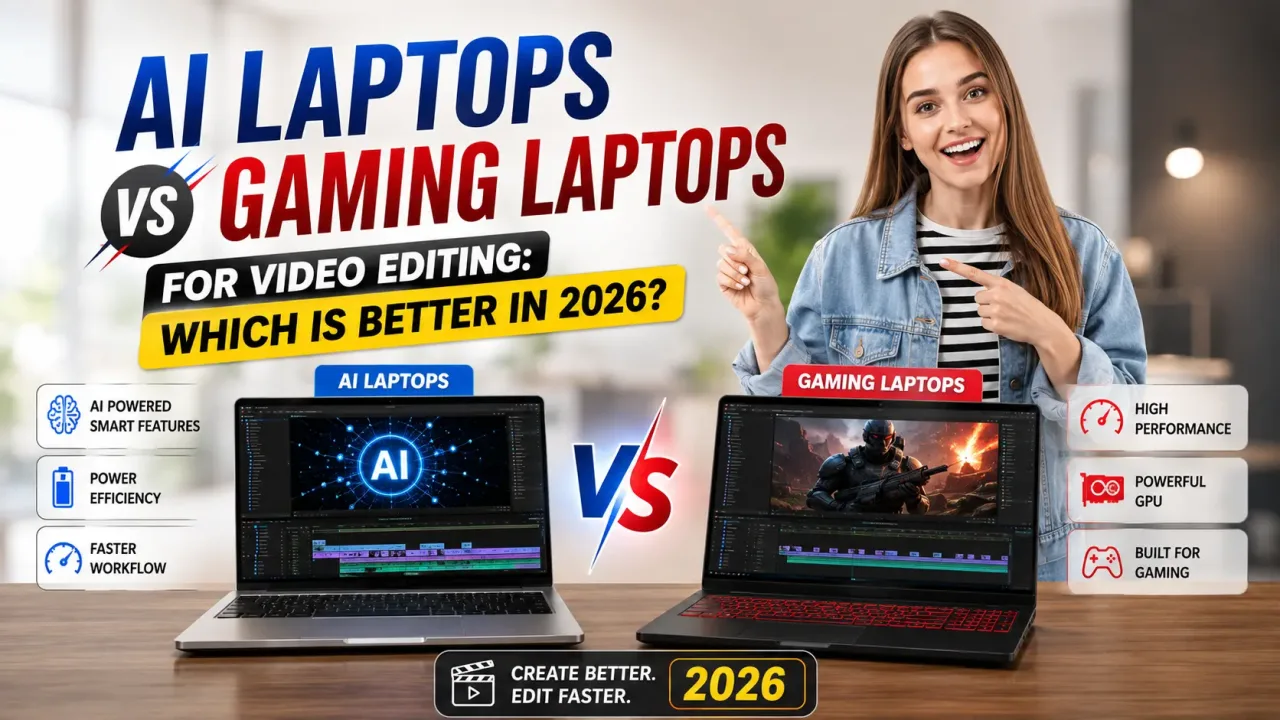
You're staring at two browser tabs, both open for way too long. One is a sleek "AI laptop" with a marketing page full of words like "neural engine" and "on-device intelligence." The other is a gaming laptop with a name like it belongs in a sci-fi movie, RGB keyboard and all, promising raw horsepower for a few thousand rupees less. You just want to edit your videos without your export bar crawling like it's stuck in traffic — so which one do you actually buy?
This question comes up constantly, and honestly, it's a fair one to be confused about. Laptop marketing has gotten weirdly philosophical lately, throwing around terms like "AI-powered" and "Copilot+" without explaining what any of it actually does for someone sitting in Premiere Pro at 1 a.m. trying to hit a deadline. So let's cut through it and figure out, in plain terms, which type of laptop actually serves video editors better in 2026.
What this article covers
First, Let's Clear Up What "AI Laptop" Even Means#
Here's the thing that trips most people up: an "AI laptop" isn't some exotic new category of computer. It's a regular laptop with a Neural Processing Unit, or NPU, built into its chip alongside the usual CPU and GPU. Think of it this way — your CPU handles general tasks, your GPU handles heavy graphics and parallel computing, and the NPU is a smaller, specialized part built specifically for lightweight AI work like background blurring on a video call, live transcription, or noise cancellation, all while sipping very little power.
That last part matters: NPUs are built for efficiency, not raw horsepower. They're brilliant at running small, continuous AI tasks in the background without draining your battery or heating up your laptop. What they are not built for is the heavy lifting that actually defines video editing — real-time 4K playback, color grading previews, and long export renders.
And What Does a Gaming Laptop Actually Bring to the Table?#
Gaming laptops, on the other hand, are built around one central obsession: pushing a discrete GPU as hard as possible without melting. That obsession happens to translate beautifully into video editing, for reasons that have nothing to do with gaming at all.
Modern GPUs, especially NVIDIA's RTX series, come with dedicated hardware encoders (NVENC) that dramatically speed up rendering and exporting in editing software like Premiere Pro and DaVinci Resolve. On top of that, gaming laptops are engineered with serious cooling systems — multiple fans, heat pipes, vapor chambers — because gamers will absolutely notice if a laptop throttles mid-session. That same cooling capacity is exactly what you need during a two-hour render that would otherwise cook a thinner, quieter "creator" laptop.
There's also a less glamorous but very real reason gaming laptops keep winning this comparison: value. Because the gaming laptop market is brutally competitive, you often get more raw GPU performance per rupee spent than you would from a laptop marketed specifically at creators or AI enthusiasts.
So Where Does the NPU Actually Help With Editing?#
To be fair to AI laptops, the NPU isn't completely useless for editing — it's just not the main event. Editing software has increasingly started using AI-powered features for things like automated scene detection, intelligent color matching, background removal, and auto-captioning. Some of these lighter tasks can be offloaded to the NPU, which frees up your GPU to keep handling the demanding stuff like rendering and real-time playback, and can genuinely improve overall smoothness and battery life while you're doing lighter editing work like organizing clips or adding captions.
But when it comes to the workloads that actually eat up your time — exporting a 20-minute 4K project, scrubbing through raw footage without stuttering, or rendering effects-heavy timelines — that work still overwhelmingly falls on the GPU, not the NPU. A powerful NPU paired with a weak GPU will not save you from a painfully slow export.
A Real-World Comparison#
Let's make this concrete. Imagine two laptops priced similarly: one is a slim "AI PC" with a modern processor, a capable NPU, and a modest integrated or entry-level GPU. The other is a gaming laptop with a mid-to-high-end discrete GPU, a beefier cooling system, and no NPU marketing on the box at all, even though its chip may still include one.
Editing a short YouTube video with light color correction and a few effects? Both machines will probably feel fine, and the AI laptop's better battery life might even make it the more pleasant daily driver, especially if you're editing on the move. But hand both machines a 4K, multi-layer timeline with heavy color grading, motion graphics, and a long export queue, and the gaming laptop will pull ahead, often by a wide and very noticeable margin. That NVENC-accelerated GPU simply chews through renders that would make the thinner AI laptop's fans scream and its export bar crawl.
When an AI Laptop Actually Makes Sense for Editors#
None of this means AI laptops are a bad choice across the board — it depends heavily on what kind of editing you actually do. If you're a creator who does lighter, faster-turnaround editing — short social clips, vlogs, straightforward cuts without heavy color grading or complex effects — a well-built AI laptop with a decent integrated GPU can absolutely get the job done, especially if portability and all-day battery life matter more to you than shaving a few minutes off a render.
They also tend to run quieter and cooler for everyday, non-editing tasks, which matters if your laptop is also your primary work and browsing machine, not a dedicated editing rig.
When You Should Just Get the Gaming Laptop#
If your editing work involves 4K or higher resolution footage, heavy color grading, visual effects, multi-camera timelines, or long-form content with frequent re-exports, a gaming laptop's discrete GPU and serious cooling system is going to save you real time, day after day. Time is genuinely money for editors working on deadlines or client turnaround, and a laptop that renders twice as fast pays for that GPU premium quickly.
The only real trade-off is battery life and portability — gaming laptops tend to be heavier, louder under load, and drain their batteries fast when you're pushing the GPU hard. If you're editing exclusively at a desk near an outlet, that trade-off barely matters. If you need to edit on trains, planes, or client sites without a charger nearby, it's worth weighing more seriously.
The Bottom Line#
For the vast majority of video editors, a gaming laptop still wins this comparison — not because "AI" is a gimmick, but because video editing is fundamentally a GPU-heavy workload, and that's exactly what gaming laptops are built to deliver, often at a better price than laptops marketed specifically around AI or creative branding. An NPU is a genuinely useful addition for lighter, everyday AI tasks and battery efficiency, but it's a complement to a strong GPU, not a replacement for one.
If you can find a laptop that gives you both — a capable discrete GPU and a modern chip with a built-in NPU, which is increasingly common in 2026's lineup — that's the real sweet spot. But if you're forced to choose between an "AI laptop" light on GPU power and a proper gaming laptop with serious graphics muscle, and your editing work is anything beyond light and casual, pick the GPU every time. Your export bar — and your deadlines — will thank you.

Read next

AI Laptops Revolutionize Video Editing in Just a Few Clicks
Remember the days when editing a five-minute YouTube video meant sitting hunched over your laptop till 2 AM, manually trimming clips, adjusting audio levels frame…

Best AI Smartphones Top Vloggers Are Using in 2026
Watch any successful vlog these days and you'll notice something: barely any of it was shot on a "proper" camera. The buttery-smooth walk-and-talk footage, the…

High Performance AI Laptops Under Rs 40,000 for Graphic Designing in 2026
If you've ever sat down to open Photoshop on a cheap laptop and watched the loading circle spin for what felt like an eternity, you already know the…
Why Top YouTubers Ditch iPhones for Hidden AI Phones in 2026
Scroll through enough tech YouTube in 2026 and you'll notice something odd. The same creators who used to unbox every new iPhone like it was Christmas morning are…
0 comments